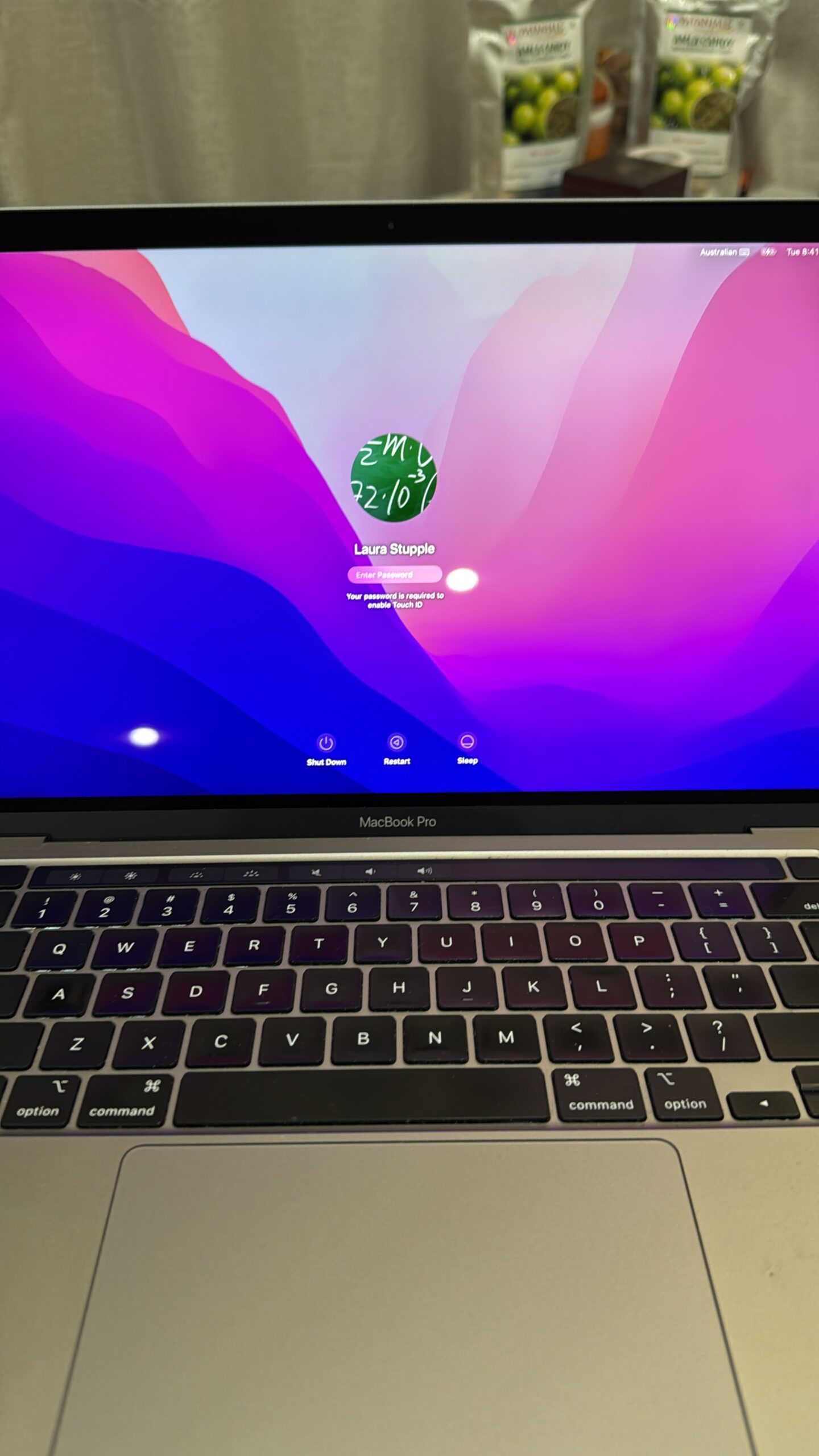
When you book a MacBook screen replacement with us, one of the first things we ask is whether the machine is backed up. People are sometimes surprised: the screen is a sealed assembly that bolts onto the hinges, and replacing it does not involve the storage or macOS. So why ask?
Because a repair is a moment when a laptop is opened, handled and powered on and off repeatedly, and a MacBook dropped hard enough to crack its display may have other damage we cannot see until it is apart. A backup turns a bad surprise into a non-event. This guide covers what to back up, the quickest ways to do it, and what to do when the screen is too broken to read.
Why a display repair still deserves a backup
In a routine screen job the storage is never touched and the MacBook goes back exactly as it came in, with a working display. The reasons we still ask are practical ones:
- Impact damage is rarely confined to the glass. A MacBook that fell from a desk may also have a cracked logic board trace or a stressed SSD that fails the next time it is stressed, which can be during the post-repair testing.
- On Apple silicon and T2 MacBooks the storage is soldered to the logic board. If the board fails, data recovery is far harder than on an older machine with a removable drive, so a current backup is your only easy copy.
- Some display faults turn out to be board faults in disguise. A screen with no backlight can be a failed fuse on the board, and board-level work carries more risk than a panel swap.
What actually needs backing up
If you use iCloud, check what it already covers before doing anything else. Photos, Desktop and Documents folders, Notes, Contacts and Safari data are often already in iCloud if those options are turned on. What is usually not covered: the Downloads folder, anything stored outside Desktop and Documents, local email archives, application licences and settings, virtual machines, and large media libraries that exceed your iCloud storage.
The simplest complete answer is a Time Machine backup to an external drive. It captures everything, including the things you forgot you had, and restores in one step if it is ever needed. A one-terabyte portable SSD is inexpensive and the first backup usually finishes within an hour or two for a typical MacBook.
How to back up when you cannot see the screen
This is the common sticking point: the reason you are booking a screen repair is that you cannot read it. There are three workable approaches.
- Connect an external monitor or a TV with the right adapter. Most MacBooks will show the desktop on an external display even when the built-in one is destroyed, and from there Time Machine or a file copy is straightforward.
- If the display is cracked but partly readable, lower the resolution to make text larger and work from the readable area. Reduce brightness if the cracks produce glare.
- If neither is possible, bring it in and ask us to do the backup first. We connect the MacBook to a bench display and either copy your data to your own drive or image the whole machine before the screen work starts. It adds a little time but removes the risk entirely.
Avoid clicking blindly through dialogue boxes on a screen you cannot read; we have seen drives erased that way.
What the screen repair itself involves
Once the backup is settled, the repair is a clean job. We confirm the exact model, because panels differ between years even when the MacBook looks identical, fit a matched display assembly, check True Tone and brightness, and test the machine before it goes back. Our model number guide shows where to find the identifier, our MacBook models page lists what we cover, and if you are weighing up whether to repair at all, this guide walks through that decision.
Time and cost
A Time Machine backup at home costs you only the drive. A backup on our bench is a small amount of labour on top of the screen replacement, usually done the same day. Screen pricing depends on the model and panel stock; the services page explains how we quote.
Frequently asked questions
Will you need my password?
For a plain screen replacement, no. If you want us to back up your data or test applications after the repair, we will need to log in, and we ask you to set a temporary password rather than share your usual one.
Is iCloud enough on its own?
It is a good safety net for photos and documents, but it is not a complete backup of the machine. Time Machine or a full disk copy is the only way to capture everything.
Can you recover data if the MacBook will not turn on at all?
Often, but on recent models with soldered storage it is a specialist job with no guarantees. That is exactly why we encourage the backup before anything else happens.
Macbook Screens is at 2 Bellevue Road, Bentleigh East VIC 3165, with parking at the door, open 7 days from 5am to 11pm. Call 0421 388 876 to check panel stock for your model, and mention if you would like the backup done on the bench first.
Leave a Reply