Blog · October 2026
How to Find Your MacBook Model Number (A-Number)
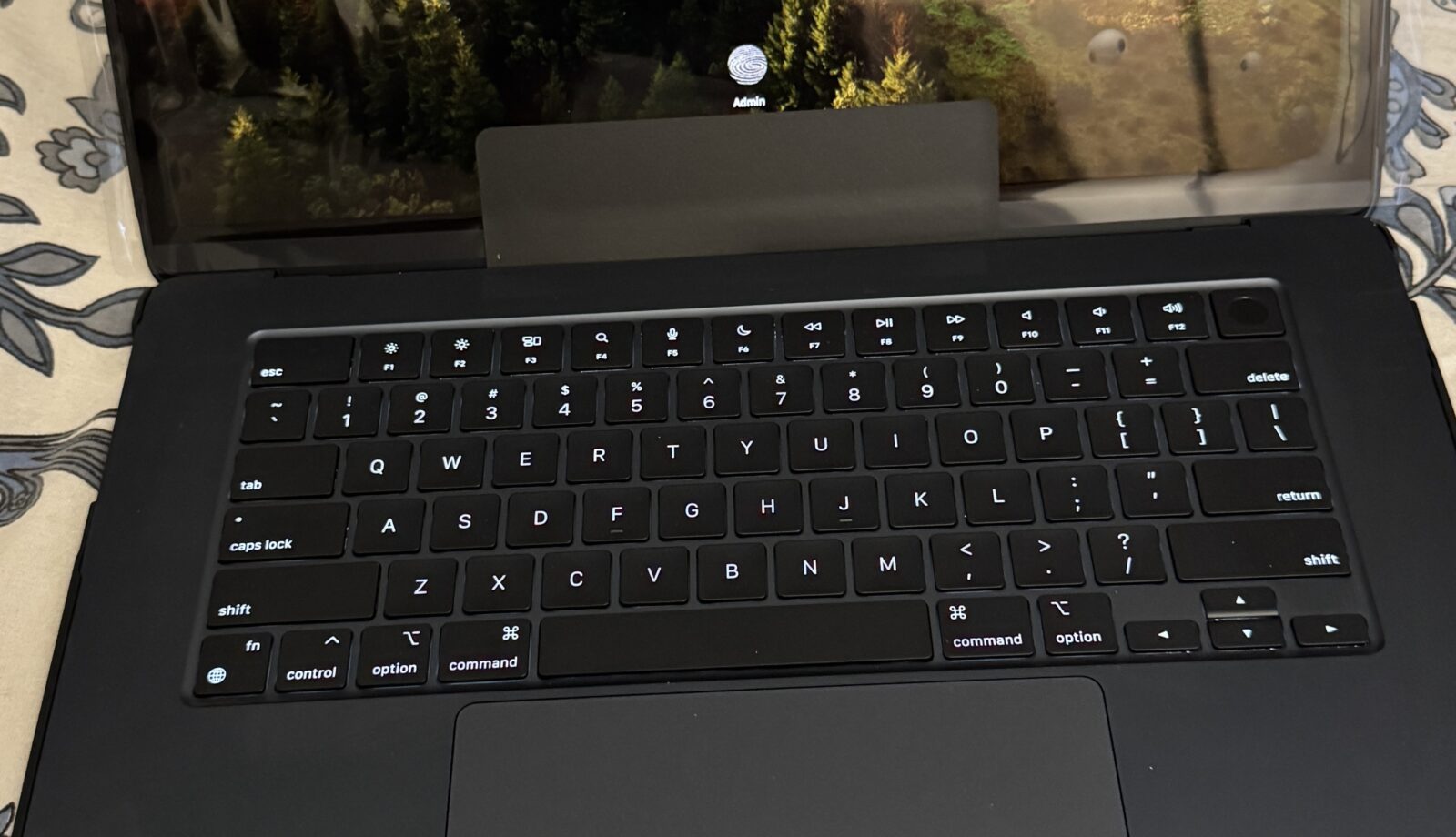
When you ask for a repair quote, the first thing we need is your Mac’s model number. Apple uses an “A-number” (like A2337 or A2442) to identify each hardware model, and screens, batteries and keyboards are made to fit specific A-numbers.
1. Check the bottom case
Flip your MacBook over. Near the hinge you’ll find a line of small print that includes “Model A” followed by four digits. That’s your A-number.
2. Use About This Mac
Click the Apple menu and choose About This Mac. You’ll see the model name and year, for example “MacBook Pro (14-inch, M3, Nov 2023)”. That’s enough for us to identify the part.
3. Use the serial number
If the screen is broken and you can’t read anything, send us the serial number from the bottom case or the original box and we’ll look it up.
See our full list of MacBook Air, MacBook Pro and iMac model numbers.
Need help today? Call 0421 388 876 or message us on WhatsApp. We’re at 2 Bellevue Road, Bentleigh East.
Cracked MacBook screen?
Call or WhatsApp – most screens are replaced the same day from local stock.