MacBook Screen Guides
-

MacBook Works on an External Monitor but the Built-in Screen Is Black: What That Tells Us
A MacBook that runs perfectly on an external monitor but shows nothing on its own screen has already told you a lot. Here is how we read that clue and what we test next.
-
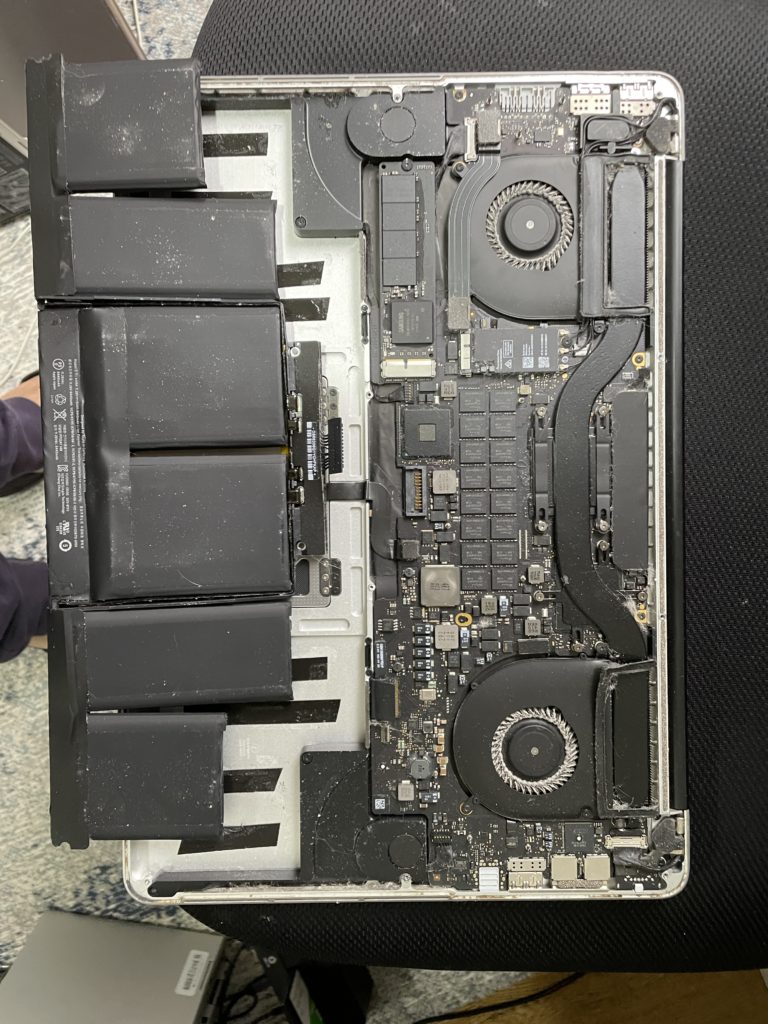
MacBook Pro 14-inch and 16-inch Liquid Retina XDR Display Replacement: What’s Different
The mini-LED Liquid Retina XDR display on 2021-2024 MacBook Pro models is built differently from older Retina screens. What fails, what to check, and how we replace it.
-
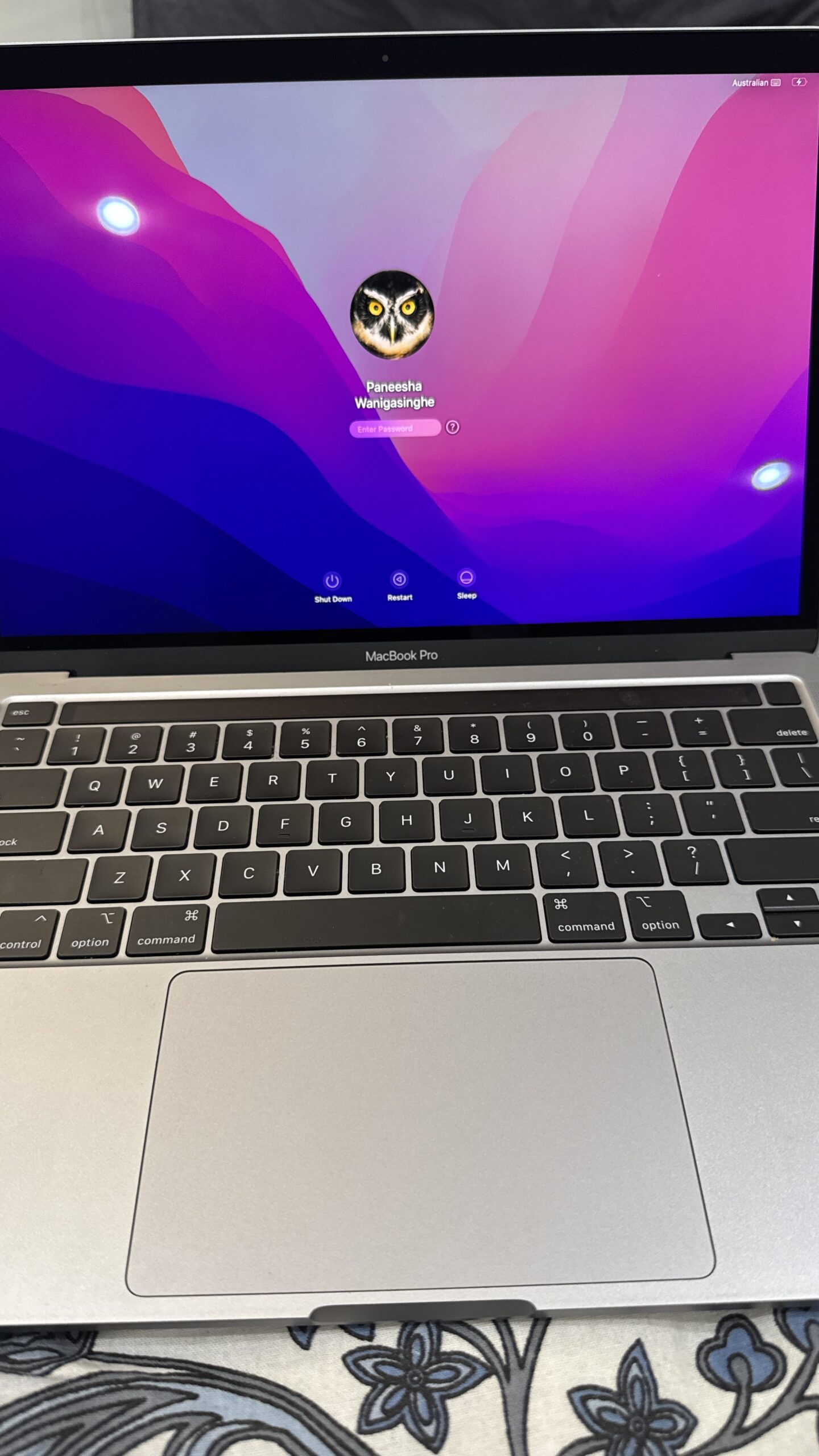
MacBook Screen Has a Yellow or Pink Tint, or Uneven Colour? What It Means and What We Replace
A MacBook screen that has gone warm, pink or blotchy is sometimes a setting and sometimes a failing display. Here is how we tell the two apart and what gets replaced when it is hardware.
-

Dead Pixels, Bright Spots and Pressure Marks on a MacBook Screen: Which Ones Need a New Display
One black dot, a bright white spot or a grey smudge that will not wipe off: what each MacBook screen blemish means and whether a new display is the fix.
-
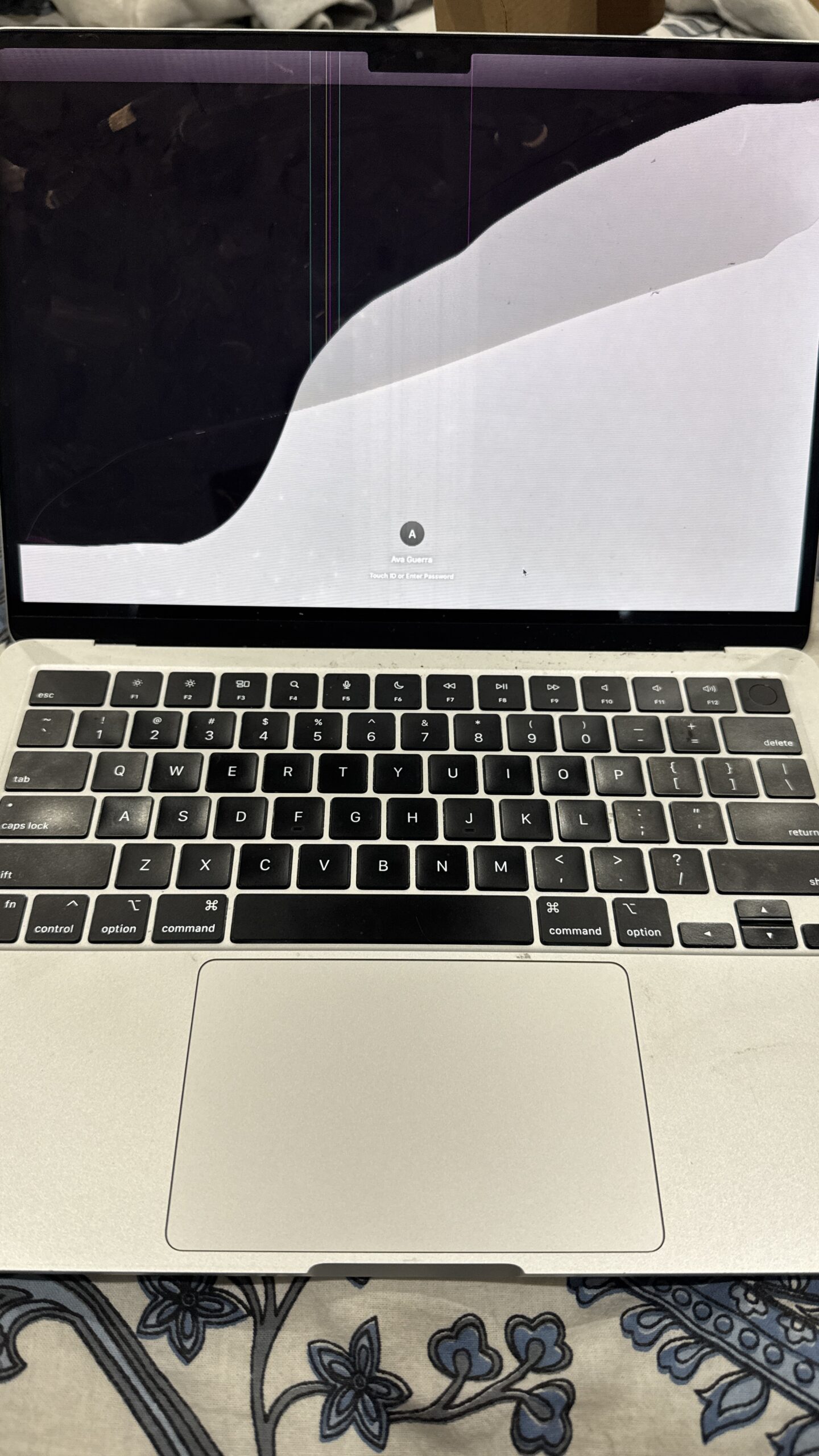
Dropped Your MacBook? Hidden Display Damage to Check Even If the Glass Looks Fine
A drop can crack the LCD under intact glass or crease the display cables. Here is a five-minute check and how we assess a dropped MacBook display.
-
MacBook Screen Flickering: Software Glitch, Cable Fault or Failing Panel?
A flickering MacBook screen can be a five-minute software fix or a sign the display is on its way out. Here is how we tell the difference, and what each outcome means for repair.
-
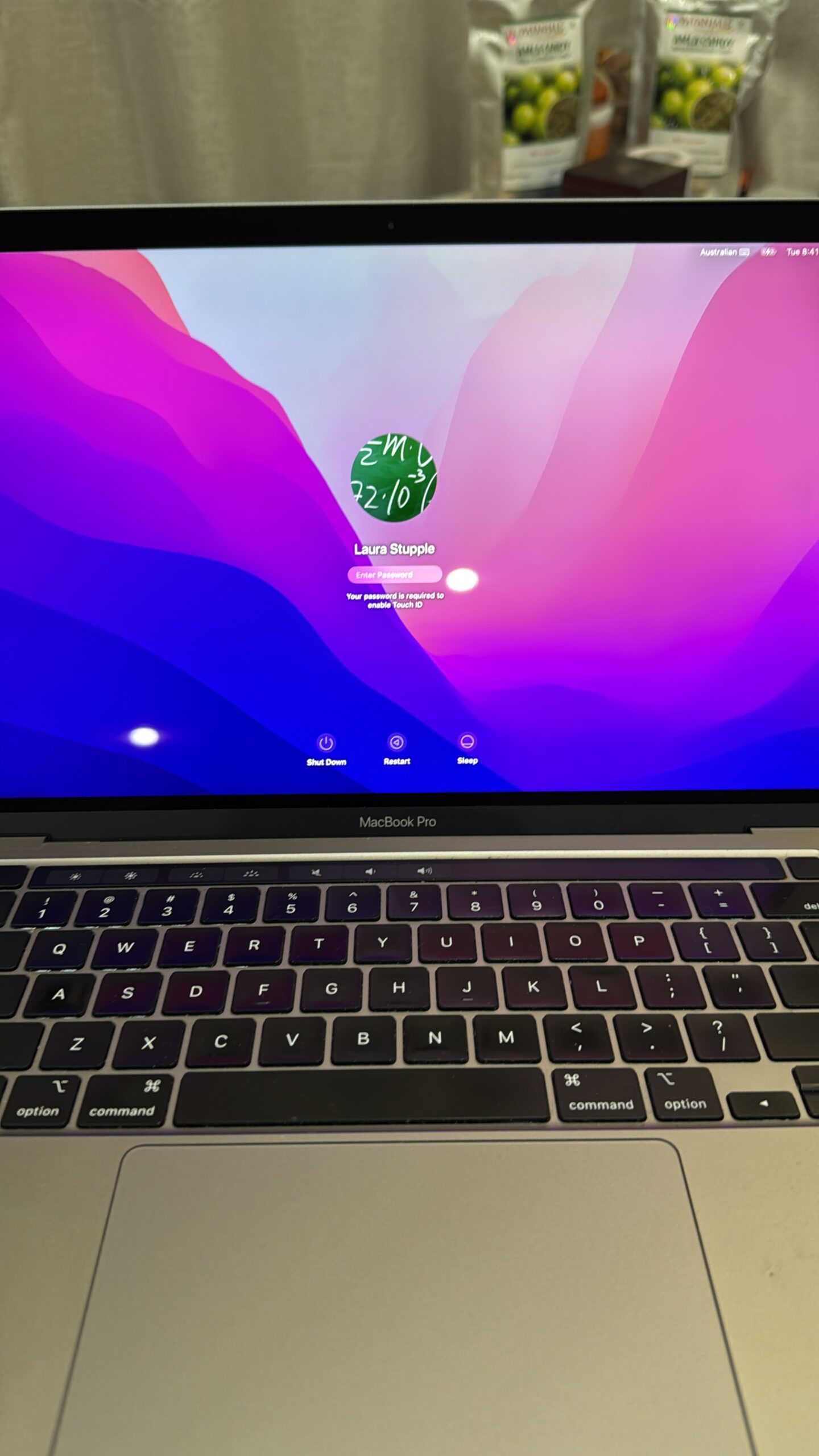
MacBook Screen Works at Some Angles but Not Others? Display Cable Faults Explained
If your MacBook’s screen comes and goes as you tilt the lid, the panel is probably fine. The fault is in the thin display cable that runs through the hinge. Here is how those cables fail, how to confirm it at home and what the repair involves on each generation of MacBook.
-
MacBook Screen Dark but the Mac Is On? Backlight Failure Explained
The Mac chimes, the keyboard lights up, you can even hear notifications, but the screen stays almost black. That is a backlight failure, not a dead MacBook. Here is how to confirm it in thirty seconds and what the four usual causes mean for the repair.
-

Cracked MacBook Screen: Is It Just the Glass, or Is the Panel Damaged Too?
On a MacBook the glass, LCD and backlight are laminated together, so a crack is rarely just the glass. Here is how to read the damage, which models can have glass alone replaced, and how we repair the rest.
-
Lines on a MacBook Screen: What Vertical, Horizontal and Pink Lines Are Telling You
Lines across a MacBook display can come from the panel, the display cable or the logic board. The pattern of the lines tells us which. Here is how to read them and what the repair involves.