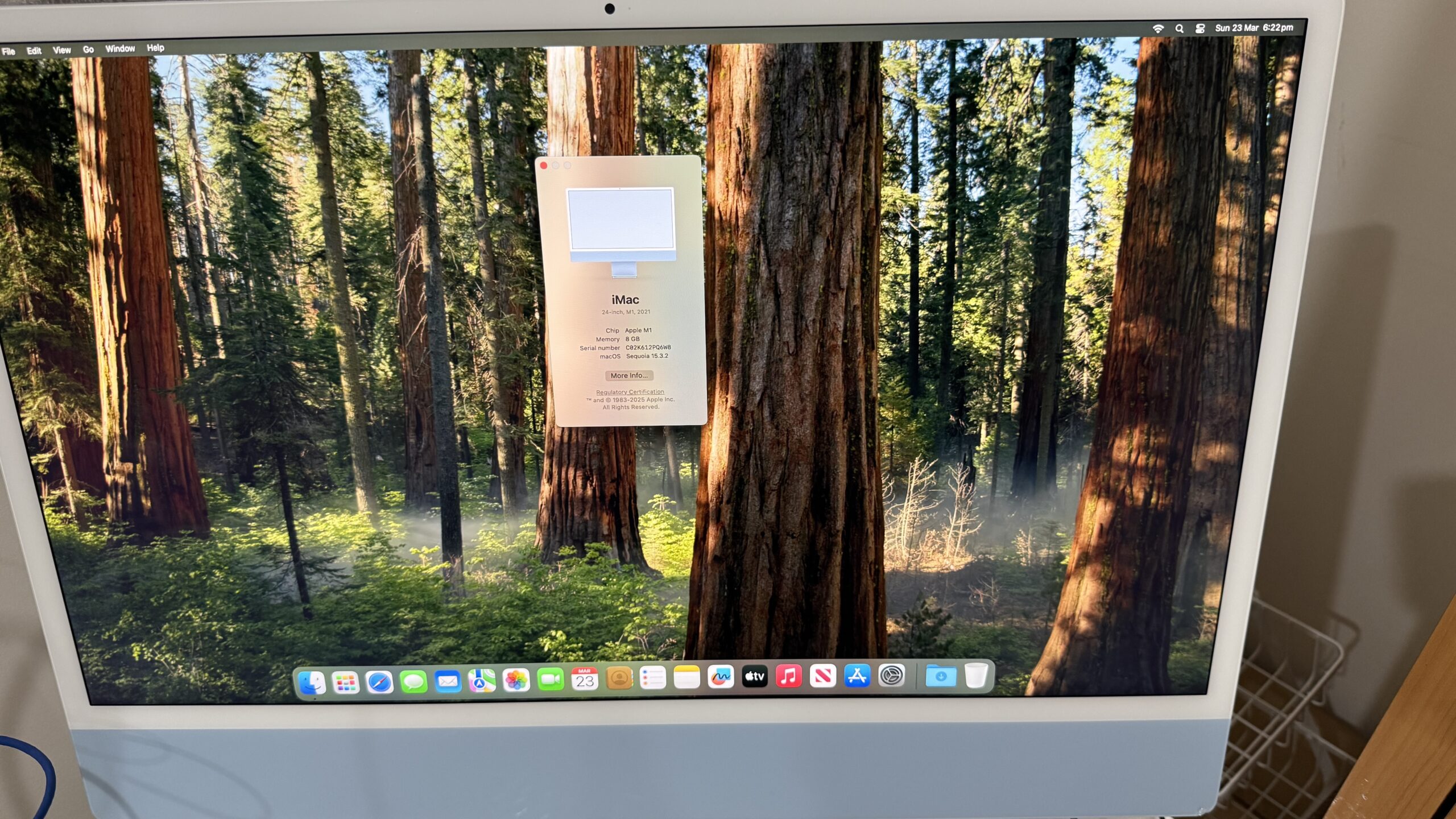
Most of what comes through our door is a MacBook, but a steady trickle of iMacs arrive wrapped in towels on the back seat with a cracked corner, a vertical line or a display that has faded to a dull grey. An iMac screen is a different animal from a laptop display: it is bigger, it is glued rather than screwed in on every model since 2012, and on some generations the panel is the single most expensive part in the machine. This guide sets out what fails on each iMac generation, what can be repaired, and how we approach the job at Macbook Screens.
Which iMac do you have?
The repair path depends almost entirely on the generation, so the first step is identifying the model. Click the Apple menu, choose About This Mac and note the year and size, or read the small print on the stand. Our guide to finding your Mac’s model number works for iMacs too.
- 2009 to 2011 iMacs – a separate glass sheet held on by magnets in front of the LCD. Glass and LCD can be replaced independently.
- 2012 to 2019 slim iMacs (21.5-inch and 27-inch) – glass and LCD are laminated into one assembly and glued to the chassis with adhesive strips. Replacement is an assembly job.
- 2019 and 2020 27-inch 5K iMacs – same laminated construction, higher-resolution panel, with nano-texture glass on some orders.
- 2021 onward 24-inch M1 and M3 iMacs – a thin laminated 4.5K display bonded to the front of a very slim chassis. Parts supply is tighter and the job is more delicate.
The faults we see and what they mean
- Cracked glass with a working picture – on 2012 and later models the glass is bonded to the LCD, so the whole assembly is replaced. On 2009 to 2011 machines only the glass needs replacing, which is far cheaper.
- Vertical or horizontal lines – a failed panel driver or, less often, a damaged display cable where it plugs into the logic board. Lines that move or change when the iMac warms up are nearly always the panel.
- Dim or yellowed display – ageing LED backlights or a failing backlight driver. On 27-inch models from 2012 to 2015 a dark band or patch along one edge is a known backlight fault.
- Dark smudges or blotches behind the glass – dust or moisture that has crept between the layers of a laminated panel; cleaning is not possible and the assembly is replaced.
- No picture but the iMac chimes and runs – could be the panel, the cable, the backlight circuit or the graphics chip. This one needs bench diagnosis before any part is ordered.
What you can check before bringing it in
Shine a torch at an angle across a dark screen. If you can faintly see the desktop, the backlight has failed but the LCD is fine. Connect the iMac to a TV or monitor with the right adapter: a clean external picture tells you the graphics side is healthy and the fault is in the display assembly. Reset the display settings by holding Shift at startup to boot into Safe Mode; if lines or flicker vanish there, the cause may be software. None of these fix the iMac, but they tell you which conversation you are about to have.
How we repair an iMac screen
On laminated iMacs the display is cut free from its adhesive with a thin tool run around the edge, the data and backlight cables are disconnected, and the new or repaired assembly is fitted with fresh adhesive strips. The adhesive cures with the iMac lying flat under light pressure, which is why an iMac screen is never a while-you-wait job. On older magnet-mounted models the glass simply lifts off and a glass or LCD swap is comparatively quick. Where the fault is a backlight driver on the logic board rather than the panel, we repair that circuit instead of selling you a display you do not need. All of this sits under our screen and display services.
Cost and time in general terms
Costs vary more across iMacs than across any MacBook range. A glass-only replacement on a 2009 to 2011 model is at the low end. A 21.5-inch laminated assembly sits in the middle. A 27-inch 5K panel is at the top of the range, and the 24-inch M-series display is dearer again because supply is limited. We quote a fixed price after inspection and the decision framework in our repair or replace guide applies just as well to a desktop. Allow two to four working days for a laminated iMac because of adhesive cure time, longer if a panel has to be ordered in.
When to bring it in
Bring it in as soon as lines appear or the display starts to dim, because both faults tend to spread and an iMac with a dying backlight is still perfectly repairable, whereas one that has been run for months with moisture under the glass may also have corrosion on the connector. For a cracked screen, stop using it: glass fragments from the laminated edge can work their way inside the chassis. Wrap the iMac in a blanket, transport it screen-up on a flat seat, and bring the power lead. Deposits and payments can be made through our secure payment page once a quote is agreed.
Frequently asked questions
Is an iMac screen worth repairing on an older machine?
Often yes for 2017 and later models, which still run current or near-current macOS and have years of life left. For 2012 to 2015 machines it depends on the price of the panel versus the value of the iMac; we give you the number and let you decide.
Can only the glass be replaced on my cracked iMac?
Only on 2009 to 2011 iMacs, where the glass is a separate magnet-mounted sheet. On every slim iMac since 2012 the glass is bonded to the LCD and the complete assembly is replaced.
Will I lose my data during an iMac screen repair?
No. The drive is not touched during a display replacement. We still recommend a Time Machine backup before any repair as a matter of habit.
Get in touch
Macbook Screens replaces and repairs iMac, MacBook Air and MacBook Pro displays from our workshop at 2 Bellevue Road, Bentleigh East VIC 3165, with parking at the door, open 7 days from 5am to 11pm. Call 0421 388 876 with your iMac’s year and screen size and we will tell you what the repair involves and how long the display will take to arrive if it is not on the shelf.
Leave a Reply