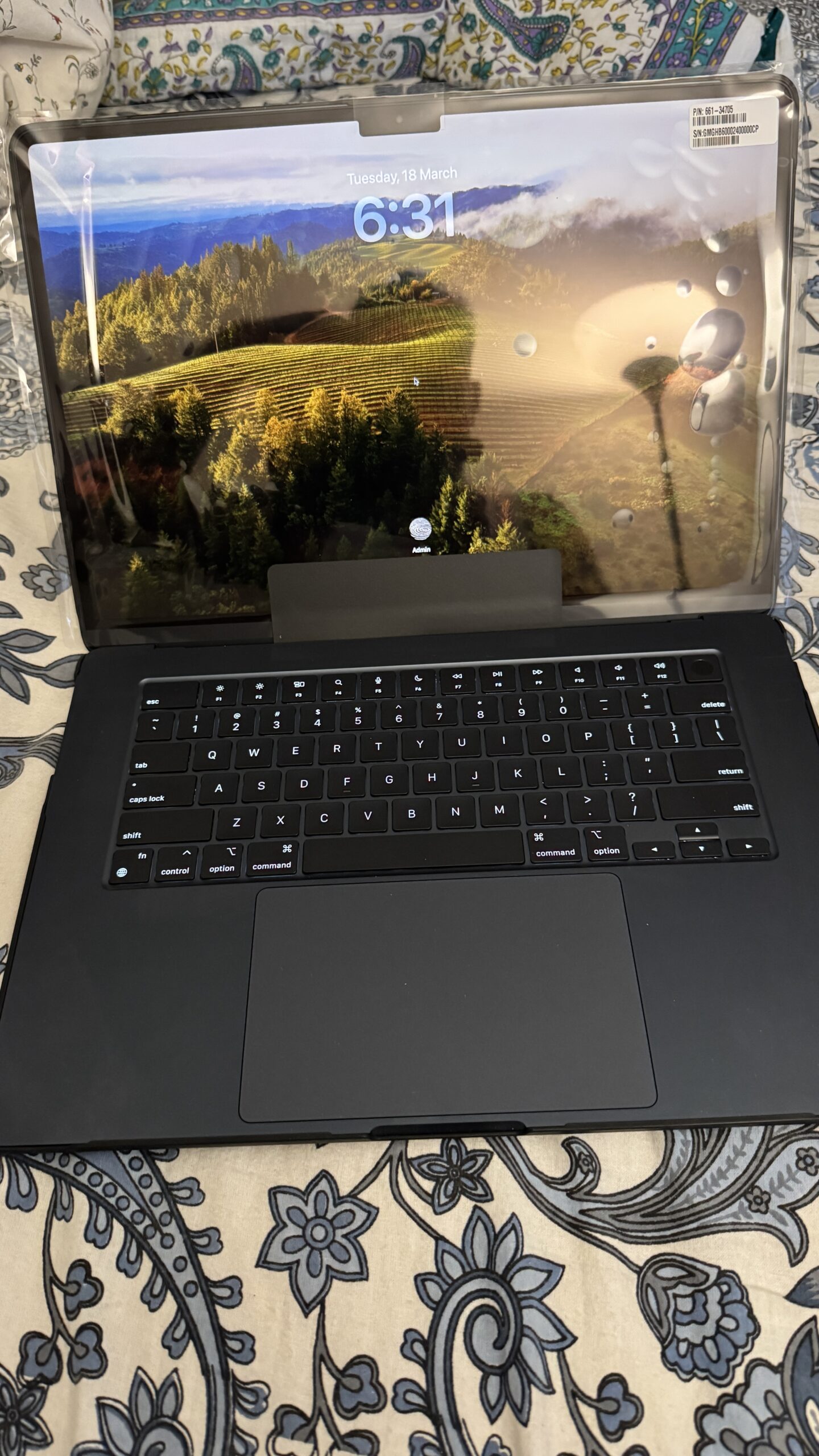
Flicker is one of the more confusing MacBook screen complaints because it can come from so many places. This guide walks through how we sort one from the other at our Bentleigh East workshop, so you have a fair idea of what you are dealing with before you bring it in.
Describe the flicker first
The pattern tells us a lot. Is the whole screen pulsing in brightness, or is it a strobe where the image blinks on and off? Does it happen at a particular hinge angle, or only after the MacBook has been on for twenty minutes? Is it the entire panel or a band across the bottom? Does it stop on an external monitor? Write down what you notice, because those answers point straight at one of three culprits.
Software and settings causes
Brightness pulsing that appears after a macOS update, or only on battery, is usually software. True Tone and automatic brightness reacting to a lamp behind you, automatic graphics switching flipping between the two GPUs on older Intel MacBook Pros, a stuck brightness key on an external keyboard, and third-party apps that override display settings all cause it.
The quick checks are to turn off True Tone and automatic brightness in Displays, turn off automatic graphics switching under Battery on Intel models, restart in Safe Mode and see if the flicker is gone, and reset NVRAM on Intel machines. If it is clean in Safe Mode, a login item or display utility is the cause.
Display cable faults
Flicker that changes with the lid angle is a cable problem until proven otherwise. On 2016 to 2019 MacBook Pros the display flex cables are short and wrap around the hinge, and after enough open-close cycles they wear through. You get flicker, then a stage-light effect along the bottom, then a black screen past a certain angle. If the flicker stops when you hold the lid very still at one angle, or an external monitor is perfectly stable, the cable or the connector on the panel side is the likely fault.
Backlight and panel faults
If the image is stable but the brightness pulses or dims in a band regardless of angle or settings, the backlight driver or LED strip is struggling. Liquid that has crept under the panel edge often shows up this way weeks after the spill. Flicker with coloured noise, lines that come and go, or a section that goes white points at the LCD itself or the timing board inside the panel. On Retina MacBooks the LCD and backlight are one sealed assembly, so a backlight or panel failure means a display assembly replacement; our post on lines on a MacBook screen covers the related symptoms.
How we diagnose and repair it
We start with the twenty-minute test: the MacBook runs on the bench with a solid grey screen while we log what happens at different angles and temperatures. An external display is connected to rule the logic board graphics in or out. If a cable is suspected we inspect the hinge area under magnification and check the connector seating. Where the cable is the fault, the fix is a new display assembly on models where the cable is part of the lid, or a cable replacement on the few where it is separate. Where the backlight or LCD has failed, we fit a new assembly matched to your exact model, confirm True Tone works, and run the same test again before you collect. Use our model number guide to find yours, then check the MacBook models page to see what we stock.
Cost and timing in broad terms
A software fix is quick and inexpensive. A cable-only repair on the models where it is possible sits in the lower range of our display work. A full display assembly is the most involved option and the price depends on the model and generation, with Apple silicon Pros at the top. We quote before starting, and most assembly replacements are done the same day when the part is in stock. Our services page lists what we cover.
When to bring it in
If the Safe Mode and settings checks have not helped, the flicker depends on lid angle, or the screen has started going black at certain positions, book it in sooner rather than later. An intermittent cable becomes a dead screen without warning, usually the week you need the MacBook most.
Frequently asked questions
Why does my MacBook screen only flicker on battery?
Battery-only flicker is nearly always a power or graphics setting, not the panel. Automatic graphics switching and low power mode change how the display is driven. If it stops on mains power, start with those settings.
Can flickering damage the MacBook further?
Flicker from a failing cable or backlight does not spread to other parts, but a cable that is intermittent now will usually fail completely, so plan the repair rather than wait.
Does an external monitor test really tell you anything?
Yes. If the external display is rock solid while the built-in one flickers, the logic board graphics are fine and the problem sits in the lid: cable, backlight or panel.
Macbook Screens is at 2 Bellevue Road, Bentleigh East VIC 3165, with parking at the door. We are open 7 days, 5am to 11pm. Call 0421 388 876 with your model number and a description of the flicker and we will tell you what it is likely to be and what the repair involves.
Leave a Reply