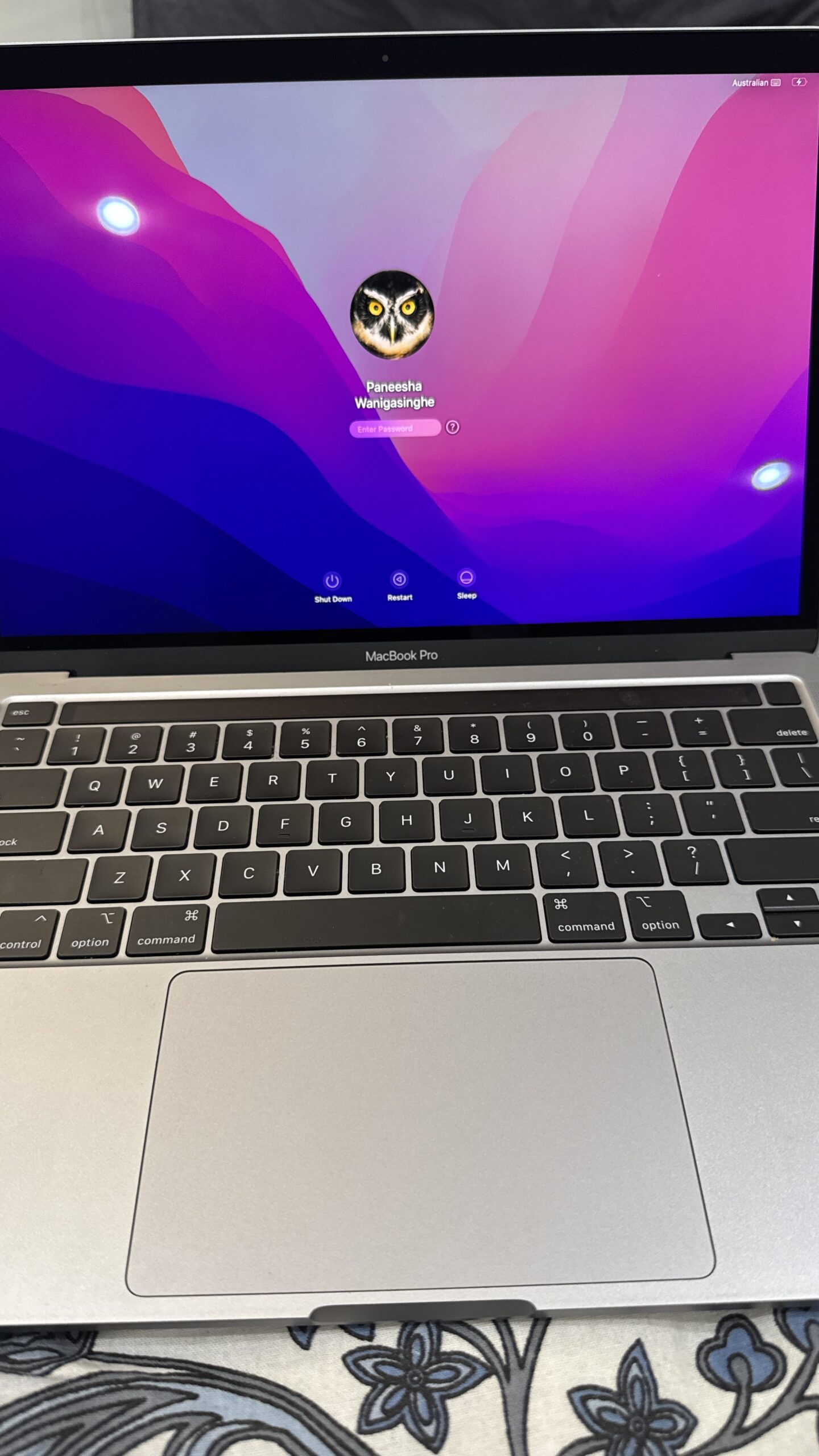
The Intel MacBook Pro models sold between late 2016 and 2020 are now the most common MacBook Pro we see for display work. They are old enough to have been dropped, closed on a cable or developed the known backlight faults, but still fast enough that owners want them repaired rather than replaced. This guide walks through what a Retina screen replacement involves on these particular models and what sets them apart from the Air and the newer Apple silicon machines.
Which MacBook Pro models this covers
This generation includes the A1706 and A1708 (13-inch, 2016 to 2017), the A1707 (15-inch, 2016 to 2017), the A1989 and A2159 (13-inch, 2018 to 2019), the A1990 (15-inch, 2018 to 2019), the A2251 and A2289 (13-inch, 2020) and the A2141 16-inch from late 2019. The model number is printed in small type on the underside of the case near the regulatory text. If you are not sure what you have, our guide on how to find your MacBook model number shows where to look, and the MacBook models page lists what we service.
Why this generation has its own repair quirks
Apple made the display assembly on these machines very thin, and the backlight flex cables are routed around the hinge with almost no slack. Over years of opening and closing the cable can wear through, producing the stage-light effect along the bottom of the screen or a backlight that cuts out past a certain lid angle. The 2016 and 2017 models are the worst for it; from 2018 Apple lengthened the cable slightly, which helped but did not remove the issue.
The panel is also fully laminated into the lid with the glass, backlight, camera and antennas. Unlike older unibody models where a technician could swap the bare LCD, a cracked panel on these machines is almost always fixed by replacing the complete lid assembly, which is why a quote will describe a display assembly rather than a panel.
Symptoms that point to the display versus the logic board
- Visible crack or shattered glass – display assembly, no question.
- Vertical coloured lines that move when you flex the lid – display cable or panel, normally fixed by assembly replacement.
- Backlight dim or dead but the image is faintly visible with a torch – backlight flex cable, repairable on some units without a full assembly.
- No image at all, but the machine chimes, the Caps Lock light works and an external monitor shows the desktop – could be the display or the display connector on the board; we test before quoting.
- Garbled graphics on both the built-in and an external screen – this is the graphics chip or logic board, not the display.
What you can check before you book
Connect an external display if you have one; a clean picture externally tells you the graphics hardware is fine and narrows the fault to the lid. Shine a torch at the screen in a dark room and look for a faint image; if you see one, the backlight is the problem rather than the LCD. Note the lid angle at which the image or backlight drops out, because that detail helps us decide whether the flex cable alone can be repaired. Do not keep using a cracked panel for long, since pressure reaches the LCD layer and the damage spreads.
How we replace the Retina display
We confirm the model number and display variant, remove the bottom case, disconnect the battery and release the hinge screws and the display and camera cables from the logic board. The old assembly comes off, the new one goes on, and we route the cables so the backlight flex is not strained before the hinge covers go back on. We then run the display at full brightness, check for uniformity and dead pixels, confirm the camera and ambient light sensor work and verify the panel is recognised correctly by macOS, which matters for True Tone.
Cost and turnaround in general terms
A full display assembly for this generation is one of the more expensive MacBook parts, with the 15-inch and 16-inch above the 13-inch. Backlight flex repairs on units with no cracked glass are considerably cheaper when the panel qualifies. We keep common 13-inch assemblies in stock and can usually fit them the same day; larger assemblies may take a day or two to arrive. We will always tell you before starting whether repair makes sense against the value of the machine, and our page on cracked MacBook screens – repair or replace sets out how we think about that.
Frequently asked questions
Is a 2017 MacBook Pro still worth a new screen?
Often yes, if the rest of the machine is healthy and you are happy with its speed. We check the battery and the keyboard at the same time so you can make the call with the whole picture, not just the screen.
Can you fix the stage-light backlight fault without a new display?
On some units, if the glass and LCD are undamaged, the backlight flex cable can be repaired or extended. If the panel is cracked as well, a full assembly is the only sensible route.
Do I lose my data during a screen replacement?
No. The storage is not touched. We still recommend a backup before any repair, and our services page explains what we need from you when you drop off.
Get in touch
Macbook Screens specialises in MacBook Air and MacBook Pro display repairs from 2 Bellevue Road, Bentleigh East VIC 3165, with parking right at the door, open 7 days from 5am to 11pm. Call 0421 388 876 with your model number for a same-day quote, or see our services page for the full range of display work we do.
Leave a Reply