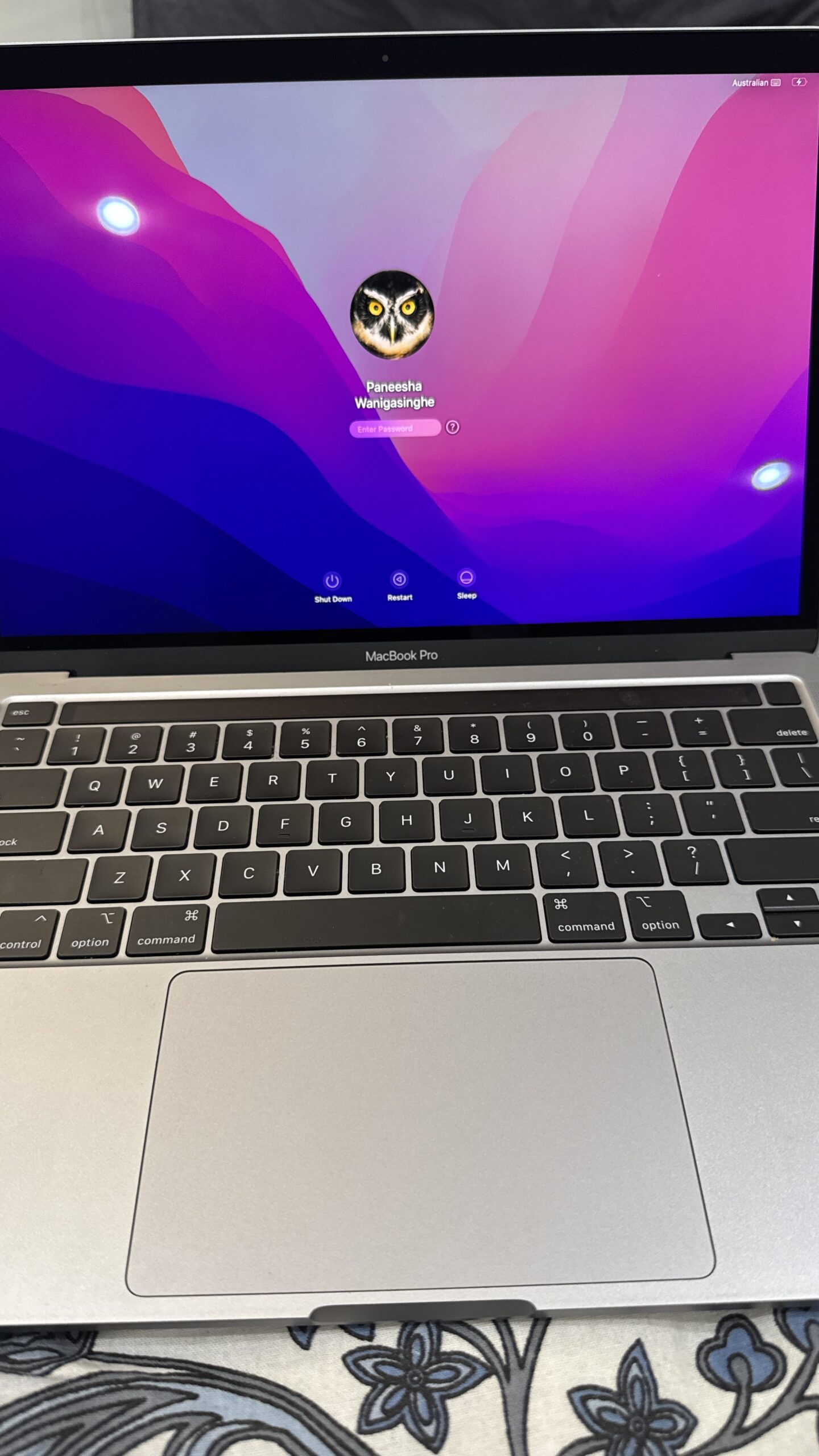
A MacBook display that has drifted warm, picked up a pink cast, or looks patchy on a white page prompts two very different reactions: some people assume the screen is dying, others assume they bumped a setting. Both are possible. This guide walks through how we separate the two in the workshop, which faults can be corrected in software, and which ones mean the display assembly is on the way out.
Rule out the settings first
Before you book anything, spend two minutes in System Settings, because three features change the colour of a MacBook screen on purpose:
- Night Shift warms the display on a schedule. If the screen looks yellow only in the evening, this is almost certainly it. Turn it off under Displays and compare.
- True Tone adjusts white balance to the room’s lighting. Under warm indoor bulbs it can make a white page look noticeably cream. Toggle it off and the screen should snap back to a cooler white.
- Colour profile can be changed by accident, especially after installing design or calibration software. Select the default profile for your display and see whether the tint goes.
If the tint vanishes with those changes, you have no hardware problem. If it survives all three, read on.
What the colour is telling you
Yellow or warm overall, that has crept in over years: the white LEDs in the backlight shift warmer as they age, and the diffuser film behind the panel yellows slightly. This is panel ageing, it is uniform, and a calibrated profile can hide it for a while. Yellow band or patch near one edge: the LED strip or the diffuser along that edge is degrading, or heat from the logic board has discoloured the film. This gets worse. Pink or magenta cast, sometimes flickering: on Retina MacBooks this usually traces to the display flex cable or the timing controller on the panel, and it is often accompanied by a brief flicker when the lid angle changes. Blotches, clouds or a shadow that does not move: pressure damage to the LCD layers or liquid ingress, which we cover separately. One half a different colour to the other: a failing panel driver, and the panel will need replacing.
A quick test you can do at home
Open a blank white document and set brightness to maximum, then to about a quarter. A tint that stays the same at both levels is a panel or film issue; a tint or patchiness that appears only at low brightness points to the backlight. Then tilt the lid slowly through its range: a colour shift or flicker at particular angles is the display cable. Finally, take a screenshot of the affected area. If the screenshot looks fine on another device, the fault is in the display hardware rather than in macOS.
How we diagnose and repair it
We connect the MacBook to a calibrated external display to confirm the graphics output is clean, then inspect the panel under controlled lighting with test patterns that show uniformity, colour shift and backlight bleed. For a cable-related pink cast we examine the display flex where it enters the hinge. Because every Retina MacBook display is a sealed assembly, a tint that is caused by the panel, the backlight or the diffuser is corrected by replacing the whole lid assembly rather than a single layer. We fit either a genuine Apple display or a high-grade compatible unit; the difference is explained in our guide to genuine versus compatible MacBook displays, and we are careful to preserve True Tone where the model allows it, as covered in our note on True Tone after a screen replacement.
Cost and time
A software or profile fix is a short bench visit. A display assembly replacement is a same-day job for the common MacBook Air and 13-inch Pro models we keep in stock, and a day or two for larger or newer panels that are ordered against the exact model. The cost varies widely by model and generation, so we quote per machine; the model list on our MacBook models page is the quickest way to see what applies to yours.
When to bring it in
Bring the MacBook in if the tint remains after Night Shift, True Tone and the colour profile are reset, if the colour shifts or flickers as you move the lid, or if you can see a band or patch on a plain white page. If you are not sure which MacBook you own, our guide on finding your MacBook model number takes about a minute.
Frequently asked questions
My MacBook screen is yellow only at the edges. Is that normal?
A slight warmth near the edges on a brand new panel is within tolerance for most models, but a yellow band that is clearly visible on a white page, or that has appeared over time, usually means the backlight diffuser or the LEDs along that edge are degrading.
Can the tint be fixed with calibration?
A mild, uniform colour cast can be corrected with a custom display profile in System Settings. Uneven patches and tints that change with angle or brightness cannot be calibrated out because the fault is physical.
Will a new screen match my old colours?
A genuine or high-grade compatible panel will be calibrated and typically looks cleaner and whiter than the aged panel it replaces. True Tone is retained when the original display’s calibration data can be transferred, which we do as part of the job.
Is a pink screen dangerous to keep using?
Not dangerous, but a pink or magenta tint that flickers is often an early sign of a display cable or panel fault that will get worse, and a laptop that drops its backlight mid-task is a nuisance. It is worth having checked before it fails completely.
Macbook Screens is at 2 Bellevue Road, Bentleigh East VIC 3165, with parking at the door, open 7 days from 5am to 11pm. Call 0421 388 876 to have a tinted or uneven MacBook screen assessed.
Leave a Reply