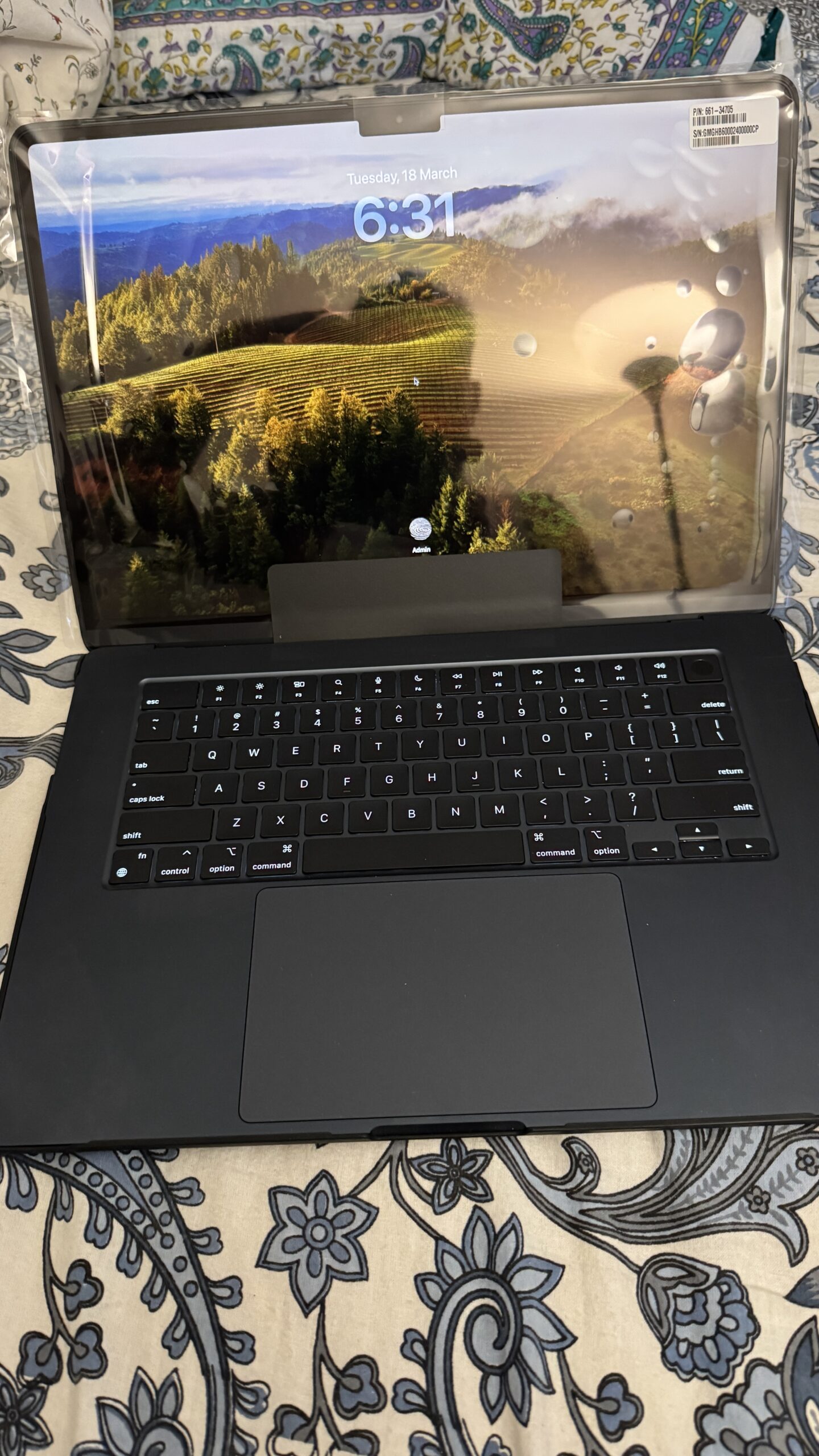
A customer brought a 2019 MacBook Pro to us recently that had a brand-new display fitted elsewhere. The picture was sharp, the colours were fine, but she said the screen felt colder in the evenings and she could not work out why. The answer was in System Settings: the True Tone toggle had vanished. Nobody had mentioned it would.
This is one of the most common follow-up questions we get at Macbook Screens, so here is a plain explanation of what True Tone is, why it disappears after a display replacement, and what we do about it.
What True Tone actually does
True Tone uses the ambient light sensors near the camera to measure the colour temperature of the room and gently shifts the display’s white point to match. Under warm lamps the screen warms up; under daylight it cools down. You rarely notice it working, but you do notice its absence, particularly at night when a screen without it looks blue and harsh beside a warm lamp.
Why the toggle disappears after a replacement
Each MacBook display carries a small amount of calibration data on a chip inside the display assembly, and macOS checks that the data belongs to the machine it is connected to. When a new display, genuine or otherwise, is fitted without that calibration being carried across, macOS still drives the panel normally but hides the True Tone option because it cannot verify the calibration. On the affected models this happens even with a factory-fresh Apple display if the pairing step is skipped.
Broadly, Retina MacBook Pro models from 2018 onwards and MacBook Air models from 2018 onwards are affected, which includes the Apple silicon machines. Earlier Retina models without True Tone obviously do not have the issue. If you are unsure which you have, our guide to finding your MacBook model number will tell you in a minute, and our MacBook models page lists what applies to each one.
What you can check at home
- Open System Settings, choose Displays and look for the True Tone switch. If it is missing on a model that had it before, the calibration has not been transferred.
- Check whether the ambient light sensor still works by covering the camera area in a dark room; the keyboard backlight should respond. If it does not, the sensor cable may be the problem rather than the calibration.
- Note whether Night Shift still appears. Night Shift is software only and should remain regardless, so its absence suggests a different fault.
How we handle it in the workshop
When we replace a display, we read the calibration data from the original screen before it comes off and write it to the replacement, so the Mac recognises the new display as paired and the toggle stays. If the original display is too damaged to read, which happens with severe liquid damage or a crushed lid, we use a programming tool that writes the correct data for your model and serial. That step is part of every display job we do; it is not an extra.
If you have already had a display fitted elsewhere and lost True Tone, we can usually restore it in a short bench visit, provided the display assembly fitted is of a type that supports it. Lower-grade compatible assemblies occasionally lack the chip altogether, in which case the only remedy is a better display.
Cost and time in general terms
Restoring True Tone on a display that was fitted elsewhere is a quick job, normally while you wait, and priced as a minor service rather than a repair. When it is part of one of our own display replacements there is no separate charge. Full display replacement pricing depends on the model and whether a genuine or compatible assembly is chosen; we quote before starting.
When to book
If your display was replaced and the toggle is gone, bring the MacBook in at any time; there is no urgency, but it is a small fix that makes the screen much nicer to live with. If you are about to have a display replaced, ask the repairer directly whether they transfer the calibration. It is a fair question and the answer tells you a great deal about the job you are going to get. Our services page covers what is included in ours.
Frequently asked questions
Does losing True Tone affect the quality of the display?
No. Brightness, resolution and colour accuracy are unchanged; only the automatic white-point adjustment is lost.
Can I turn it back on with a setting or a reset?
Resetting NVRAM or reinstalling macOS does not bring it back. The calibration data has to be present in the display assembly.
Will a genuine Apple display keep True Tone automatically?
Only if the pairing is done as part of the fitting. A genuine panel fitted without that step shows the same missing toggle.
Is this the same as the stage-light flicker issue?
No. That is a backlight cable fault on certain 2016 to 2017 models, covered in our Flexgate guide.
Macbook Screens is at 2 Bellevue Road, Bentleigh East VIC 3165, with parking at the door, and we are open 7 days from 5am to 11pm. Call 0421 388 876 to book a display replacement or a True Tone restore.
Leave a Reply